

Get started
Msty Sail is your company’s own AI workspace. You chat with assistants, they remember what matters to you, and the files they make land in one place.
Your company runs Sail on its own servers, or Msty runs it for you. Either way, it belongs to your company alone.
What’s in Sail
Section titled “What’s in Sail”- Assistants. Ready-made AI coworkers, each set up for one job, such as reviewing contracts or answering travel questions. Your company, your team or you can build them.
- Memory. Sail remembers useful things about you, like your role and how you like answers. Only you can see it.
- Folio. Every file you upload or an assistant makes: documents, spreadsheets, presentations, PDFs and more. Each one keeps its versions.
Every model, web search and tool call goes through Msty Nexus, your company’s AI gateway. Your admins decide which models Sail can use.
Sign in
Section titled “Sign in”- Open your company’s Sail address. Your admin shares it.
- Click Sign in.
- Sign in with your work account, the same one you use for email.
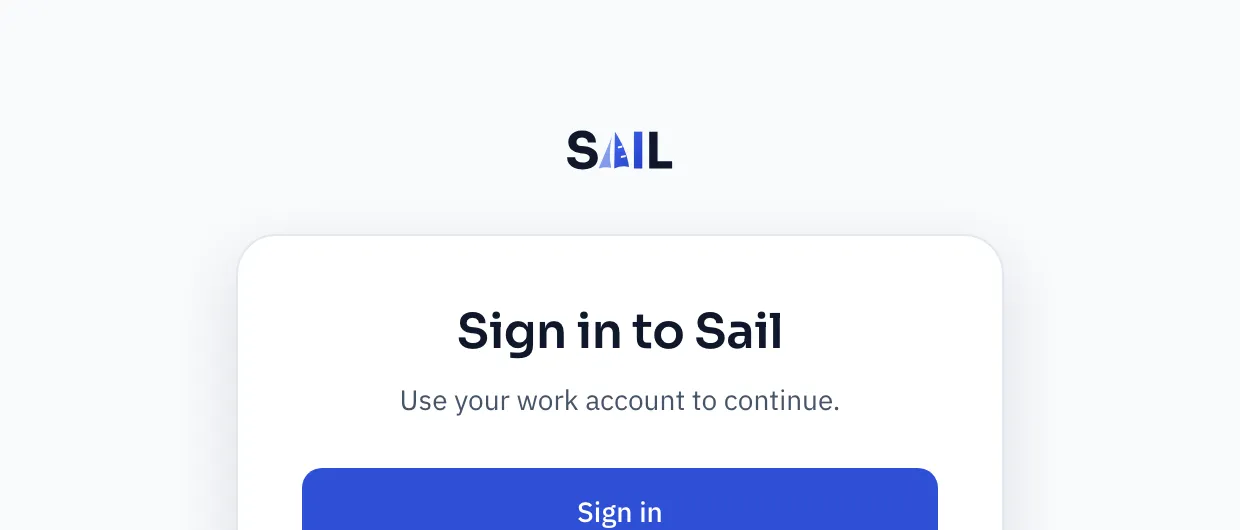
You land on the home screen. Your first sign-in creates your account, so there’s nothing else to set up.
Find your way around
Section titled “Find your way around”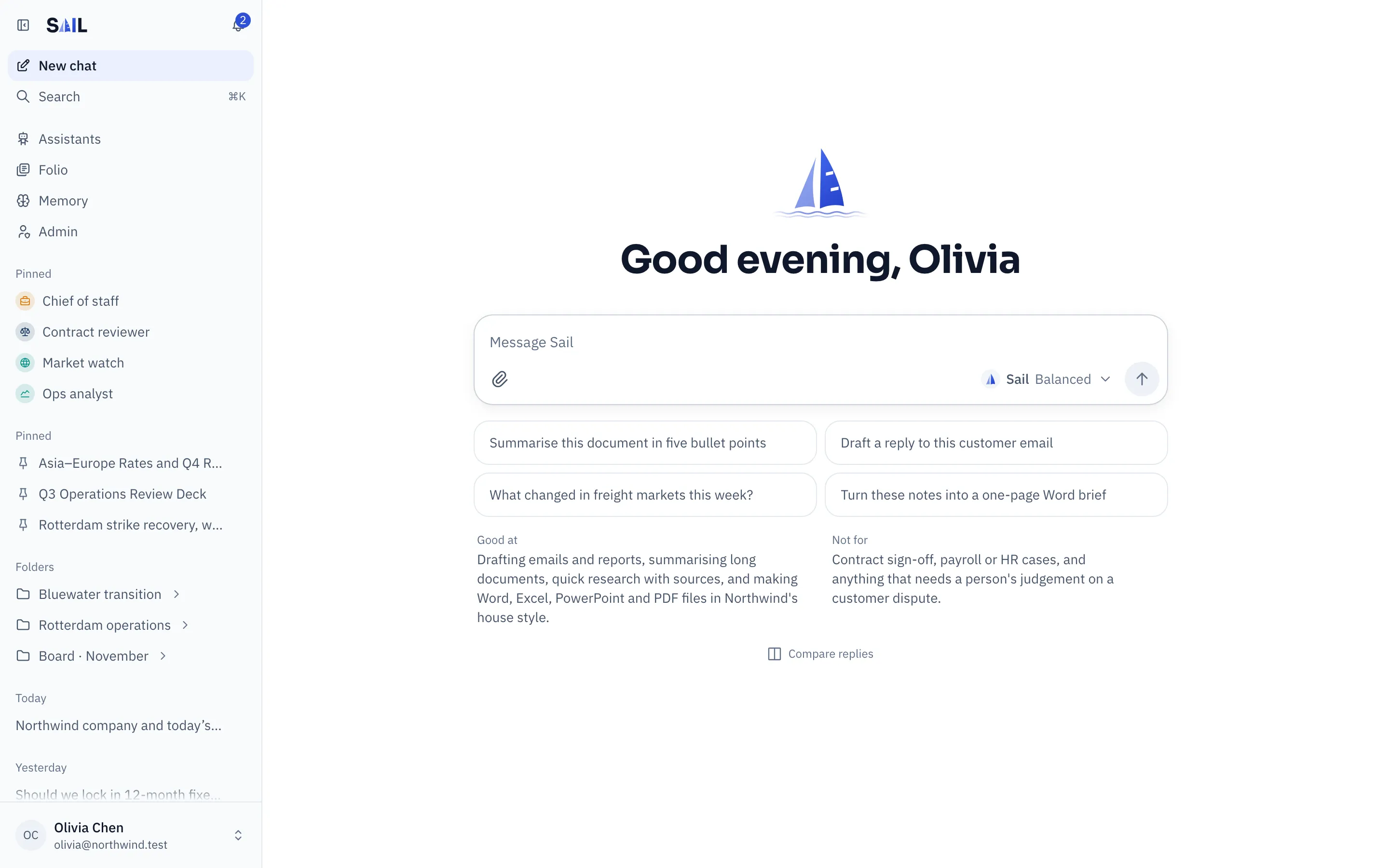
- New chat starts a conversation. The box in the middle is where you type.
- Search (⌘ K, or Ctrl K) finds chats, assistants and files.
- Assistants, Folio and Memory open those places.
- Pinned keeps your favorite assistants and chats at the top.
- Your name, at the bottom, opens the account menu: theme, Your usage, Your data and Sign out.
Admins also see Admin.
Next steps
Section titled “Next steps”Your first chatAsk a question, pick an assistant, attach a file.
AssistantsFind the right assistant, or build your own.
Folio basicsGet files made, find them again, share them.
First setupFor admins: from the setup wizard to a company-ready Sail.
Install SailRun Sail on your own server with Docker Compose.
Security overviewFor security teams: how Sail keeps your data private.