

Keyboard shortcuts
Press ? anywhere outside a text field to see these in Sail. You’ll also find them in the account menu, under Keyboard shortcuts.
On Windows and Linux, use Ctrl wherever you see ⌘.
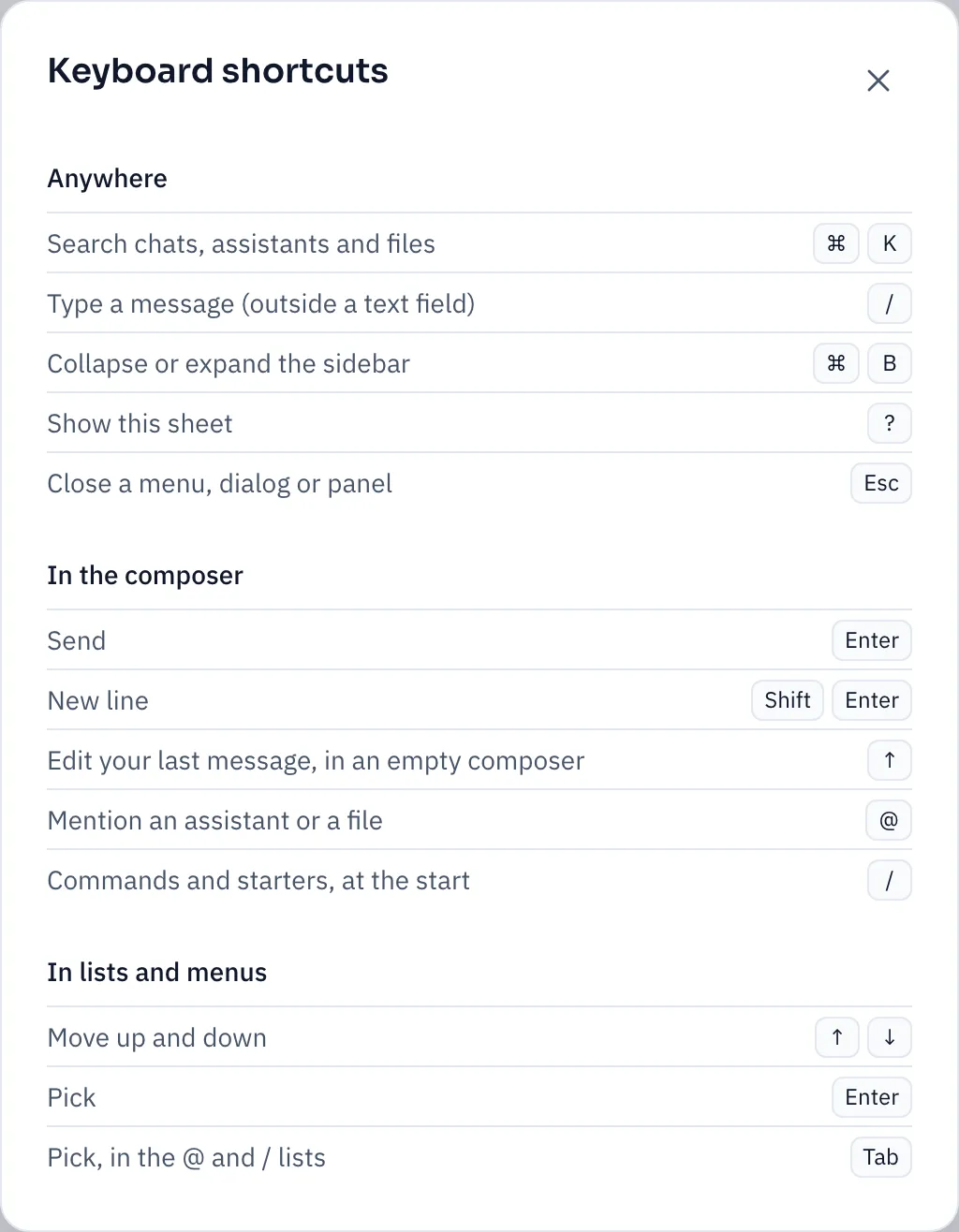
Anywhere
Section titled “Anywhere”| Keys | What it does |
|---|---|
| ⌘ K | Search chats, assistants and files |
| / | Jump to the message box, from outside a text field |
| ⌘ B | Collapse or expand the sidebar |
| ? | Show the shortcuts |
| Esc | Close a menu, dialog or panel |
In the message box
Section titled “In the message box”| Keys | What it does |
|---|---|
| Enter | Send |
| Shift Enter | New line |
| ↑ | Edit your last message, when the box is empty |
| @ | Mention an assistant or a file |
| / | Commands and starters, at the start of a message |
The commands after /:
| Command | What it does |
|---|---|
/summarize | Summarize this chat: the main points, decisions and open questions |
/remember | Save something to your memory |
/compare | Send your message to split panes and compare the replies |
Commands fill in the message box. Nothing is sent until you press Enter.
In lists and menus
Section titled “In lists and menus”| Keys | What it does |
|---|---|
| ↑ ↓ | Move up and down |
| Enter | Pick |
| Tab | Pick, in the @ and / lists |
A few more
Section titled “A few more”- In search (⌘ K), Tab switches between All, Assistants, Chats, Files and Actions.
- In a comparison, Esc goes back to messaging every pane.
- In Find in file, Enter jumps to the next match, and Shift Enter to the previous one.